
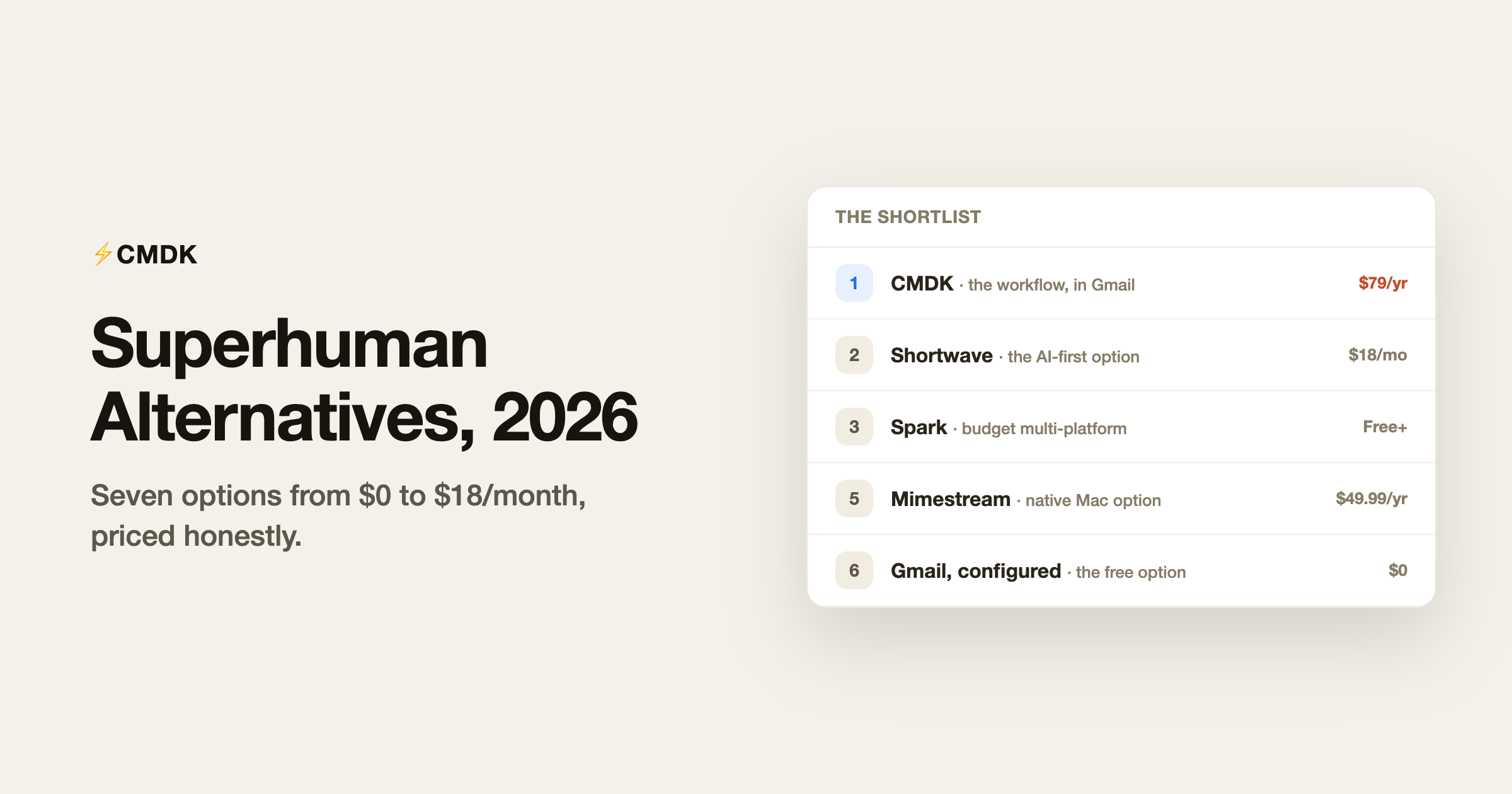
Verdict: The best Superhuman alternative comes down to one question: stay in Gmail or leave it. To stay in Gmail and keep the speed, CMDK gives you the command bar, shortcuts and read receipts for $69 a year instead of $300-plus; to switch clients, Shortwave wins on AI and Spark on a free cross-platform inbox.
Nobody searches for Superhuman alternatives because Superhuman is bad. They search because it costs $25 to $33 a month, $300 to $396 a year, for what is, at its core, a faster way to use the Gmail or Outlook account they already have. The question is what fraction of that experience you can keep at what fraction of the price.
The honest answer: most of it, for much less. Below are the seven realistic alternatives, priced as of July 2026, sorted by what each one preserves. Disclosure first: we build CMDK, the first entry, and this page exists because “Superhuman but affordable” is exactly the product we set out to make. Judge the comparison on its specifics.
1. CMDK: the Superhuman workflow inside Gmail
$69/year or $169 lifetime. 15-day free trial. Gmail only.
Superhuman’s core value is a workflow: command palette, one-key triage, split inbox, snippets, read statuses, follow-up reminders. CMDK rebuilds that workflow as a browser extension (on Chrome and Firefox) inside Gmail itself: Cmd+K command bar, split inbox tabs, single-key archive and navigation, snippets with variables, read receipts, send later, follow-up reminders, and bulk cleanup.
What you keep: the speed features and your entire Gmail setup, since nothing migrates and nothing changes for recipients. What you give up: Superhuman’s AI drafting, its iOS and Android apps, and Outlook support. At $69 a year against Superhuman’s $300+, the yearly saving is roughly $220; the cost calculator does the math per team size.
2. Shortwave: the AI-first alternative
Pro $18/month; teams $30 to $120 per seat. Gmail only.
If what hooked you on Superhuman was AI rather than speed, Shortwave is the stronger version of that idea: an assistant that searches years of your email history conversationally, summarizes threads, and drafts in your voice, plus Google Inbox-style bundles for triage. It is a separate app with its own interface to learn, and its price has climbed toward Superhuman territory as it targets teams. Our Shortwave review covers where its AI genuinely leads.
3. Spark: the budget multi-platform option
Free; Plus $10/month; Pro $20/month.
Spark gives you a designed, modern client on Mac, Windows, iPhone, and Android with a Smart Inbox, snooze, scheduled send, and unlimited accounts on the free plan. The feel is calmer than Superhuman’s speed-obsession, closer to a well-organized inbox than a cockpit. We put the two side by side in Superhuman vs Spark. Two caveats: keyboard-driven triage is far shallower, and Spark’s cloud stores account credentials to power sync, which some security teams reject. Details in our Spark Mail review.
4. Missive: the alternative for teams
From $14/user/month (billed yearly).
If you were stretching Superhuman into a team tool, Missive is built for the job instead: shared inboxes, internal chat threaded on emails, assignments, and collision detection so two people never answer the same customer. It is slower and denser than Superhuman as a personal client, and that is the point. Our Missive review covers when it beats a help desk.
5. Mimestream: the native Mac option
$49.99/year. Mac only, Gmail only.
Mimestream offers a different kind of quality than Superhuman: a genuinely native macOS app built on the Gmail API by a former Apple Mail engineer, with perfect label and filter fidelity and real speed, minus the workflow arsenal (no snippets, tracking, or send later) and minus AI. For a Mac user who wants craftsmanship more than features, it is $50 a year well spent. See our Mimestream review.
6. Gmail itself, configured properly: the free option
$0.
Before paying anyone, know that Gmail ships with more of Superhuman than people realize: full keyboard shortcuts (off by default), multiple inbox sections, auto-advance, send later, and templates buried in settings. Our guide to making Gmail work like Superhuman walks through the full setup. The gap that remains: no command palette, no read receipts, no real snippets engine, and no follow-up reminders. That gap is what the paid tools on this list exist to close.
7. Keeping Superhuman: sometimes the right call
Honesty requires this entry: if you process 150+ emails a day, live equally in iOS and desktop, need Outlook support, and your hourly value prices email speed in dollars, Superhuman remains the most polished total package, and $300 a year may simply be worth it. Our Superhuman review draws the line in detail. Everyone below that line is subsidizing polish they can get for less.
Side by side
| Alternative | Price | Platforms | Keeps the speed workflow? | AI |
|---|---|---|---|---|
| CMDK | $69/yr | Gmail in browser | Yes | No |
| Shortwave | $216/yr | All + Gmail only | Partly | Best in class |
| Spark | $0 to $240/yr | All, any provider | Partly | Yes (paid) |
| Missive | $168+/yr | All, teams | No (team focus) | Add-on |
| Mimestream | $49.99/yr | Mac + Gmail only | Partly | No |
| Gmail configured | $0 | Anywhere | Partly | Gemini |
| Superhuman | $300+/yr | Mac, iOS, Android, web | Yes | Yes |
Frequently asked questions
What is the cheapest Superhuman alternative?
Configured Gmail is free and covers more than most people expect. Among paid tools, CMDK at $69/year keeps the largest share of the Superhuman workflow (command bar, split inbox, one-key triage, snippets, read receipts) at about a quarter of Superhuman’s price.
Is there a free Superhuman alternative?
Gmail with keyboard shortcuts enabled, multiple inbox sections, auto-advance, and templates is the closest free approximation, and Spark’s free plan adds a designed client on top of any provider. Neither replicates the command palette or read statuses; those need a paid layer.
What is the best Superhuman alternative with AI?
Shortwave. Its assistant answers questions across your entire email history and drafts in your voice, and is ahead of Superhuman’s own AI on search-driven tasks. It costs $18/month for individuals and only works with Gmail accounts.
Why is Superhuman so expensive?
High-touch onboarding, native apps on every platform, and a positioning aimed at executives and funded startups where $300/year clears easily. The price buys polish and speed, but the underlying mailbox is still your Gmail or Outlook account, which is why extensions and cheaper clients can replicate most of the experience.
Keep your Gmail and keep the speed: CMDK adds the command bar, split inbox, snippets, and read receipts for $69 a year, with a 15-day free trial.
Prefer to stay in Gmail entirely? Read why a Superhuman Chrome extension covers most of the workflow without a new app.




